







Secure Google Workspace

Find and fix Google Workspace security risks

Surface risky misconfigurations
Get alerted of configuration drift
Review and revoke external file sharing
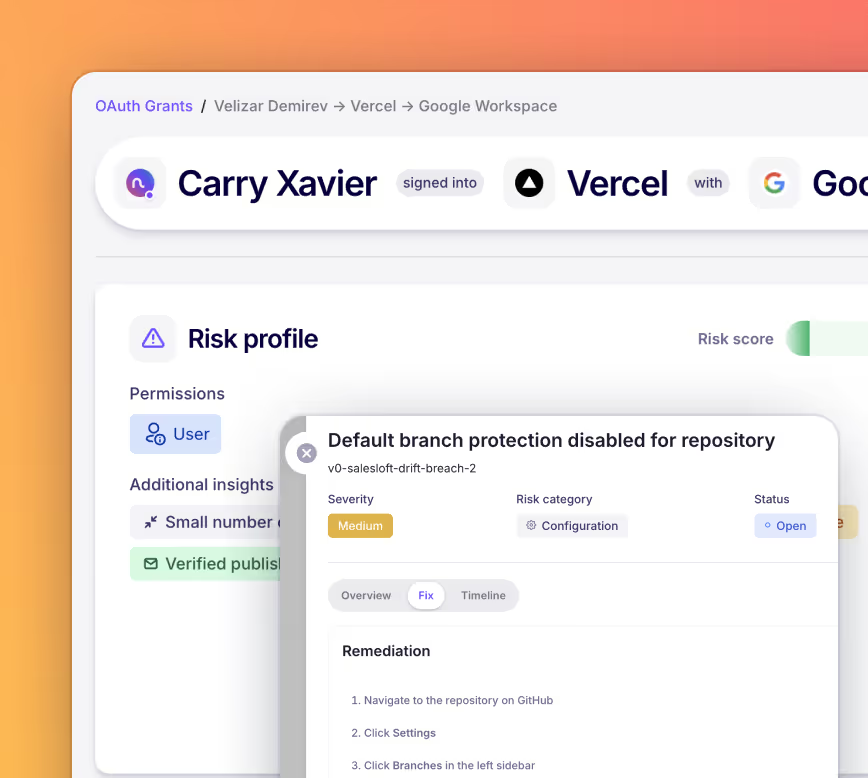
Detect and revoke risky OAuth grants
Trusted by modern teams. Built for what's next.
The shadow IT problem

 You can’t secure what you can’t see.

Employees adopt SaaS faster than IT can track it.
Your teams sign up for new apps every week using work email. Most never go through a security review. The average mid-size org has 3–4x more SaaS apps than IT knows about.
Network and endpoint tools only see part of the picture.
CASBs and browser agents miss apps on personal devices, home Wi-Fi, and mobile — plus accounts created before those tools were deployed.
Every unknown app is an unmanaged identity.
Each shadow account is a credential outside your IAM programme. No MFA. No SSO. No offboarding. These are the accounts attackers look for first.
Manual audits are expensive and immediately stale.
Spreadsheet-based inventories take weeks and are outdated immediately. You need continuous, automated discovery.

How to secure Google Workspace with Nudge Security

One lightweight integration delivers an immediate security assessment for Google Workspace, along with visibility and control of shadow AI and SaaS sprawl.

01

Surface and resolve Google Workspace security risks.

With read-only API access to Google Workspace, Nudge uncovers high-impact risks on Day One.
Continuously monitor for risks like unrestricted groups, unenforced SSO or MFA, inactive privileged accounts, and more.
Initiate remediation workflows, monitor resolution status, and visualize progress over time.
Nudge Security SaaS asset discovery

02

Detect and revoke risky OAuth grants

See a full inventory of OAuth grants including who enabled it, when, and what permissions it grants.
Surface risky OAuth grants with specific details on why it deserves a closer look.
Revoke OAuth grants in two clicks directly from Nudge Security, or nudge the grant owner to ask for more context.

03

Discover and revoke risky external file shares.

Surface orphaned Shared Drives, shares to personal emails, files owned by former employees, and shares with no activity in 90 days.
Filter file shares to a specific external company to see everything shared with them.
Tighten or revoke access with per-item actions and a confirmation that spells out the scope before anything changes.
Nudge Security SaaS asset discovery

See how it works.

Gain visibility and control of Google Workspace security in minutes, not months.

Security teams who finally got control of shadow IT

Why modern security teams ❤️ Nudge Security

"Nudge Security has been a big win for our security program at Reddit. Within hours of deployment, we gained complete visibility into our SaaS footprint across the organization. It's rare to find a solution that's both incredibly powerful and remarkably easy to use."
Fredrick Lee
‍
CISO
Reddit
“Nudge is now being used by Security, Workforce Productivity, and Finance as the record of what apps employees are using.”
Director of Workforce Productivity
Netflix
"Shoutout to Nudge Security! Shadow IT used to be one of our biggest blind spots — until we brought in Nudge Security. In less than a day, we had full visibility into every SaaS tool in use, along with smart nudges that actually helped our team close gaps faster. The platform’s simplicity and automation have turned SaaS governance from reactive to proactive."
Dan Kummer
‍
Director, Information Security & IT
Scaled Agile
Transparent pricing for a clear choice
$5 per month
per active user account for teams with 150 - 1500 accounts
<150 active user accounts: $750 flat monthly fee
>1500 active user accounts: Contact us for ELA pricing
Start a free trial
Every org deserves great security.
That’s why all customers get:
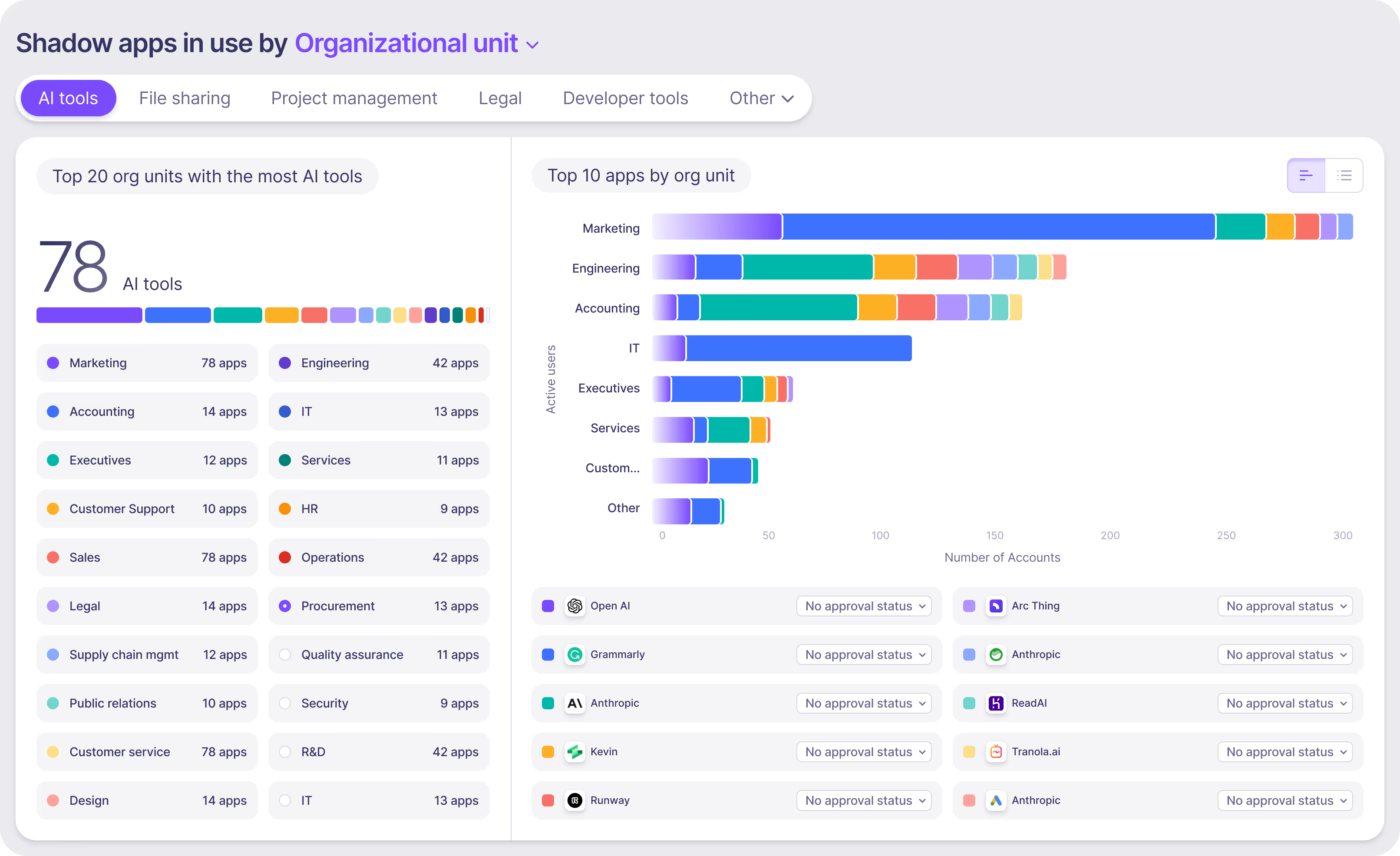
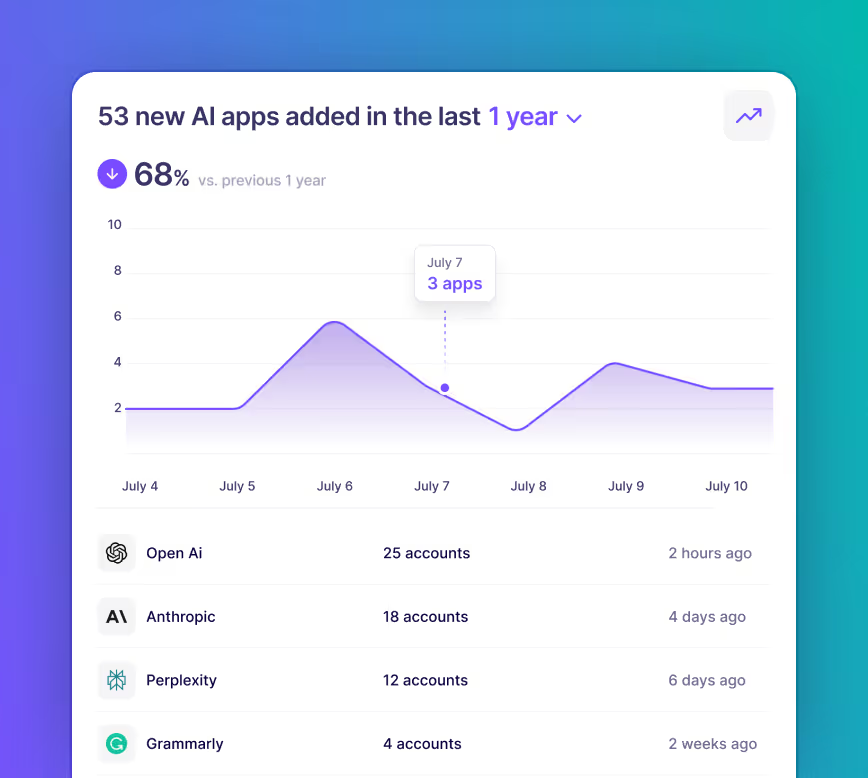
Continuous SaaS and AI discovery
Identity governance
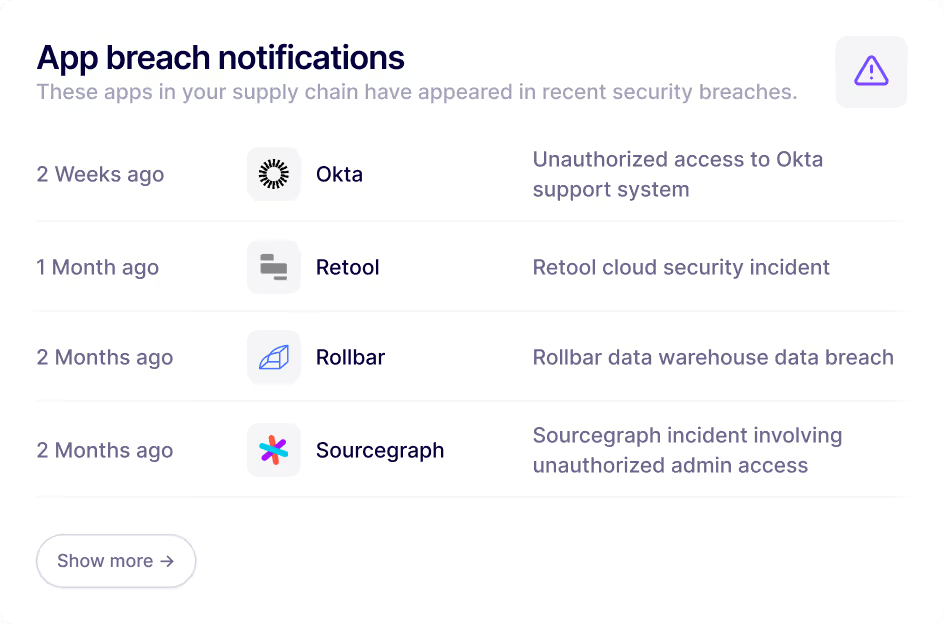
Vendor risk insights & breach alerts
SaaS sprawl / cost optimization
SaaS security posture management

Frequently asked questions

Common questions about Nudge Security's shadow IT solution

How quickly can I see results with Nudge Security?

Nudge Security is designed for rapid deployment and fast time-to-value. Within minutes of activation, your SaaS inventory begins to populate automatically. Historical billing and usage data can be ingested immediately, giving insights into adoption patterns, unapproved tools, and spend anomalies even before a full discovery cycle completes. Many organizations identify potential savings or risky applications within days of deployment.

Does Nudge Security block access to unauthorized applications?

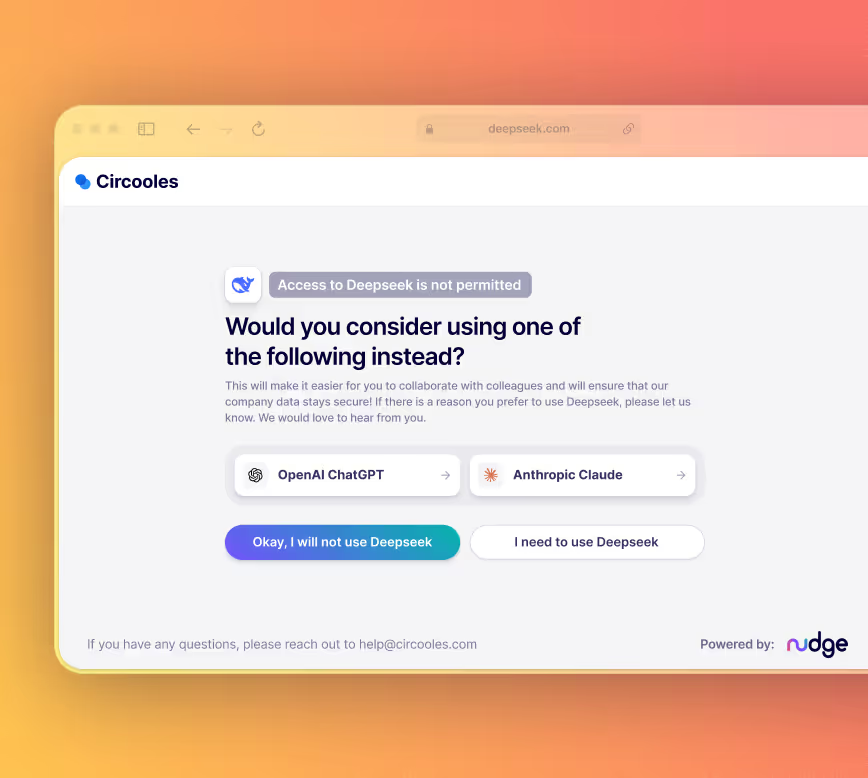
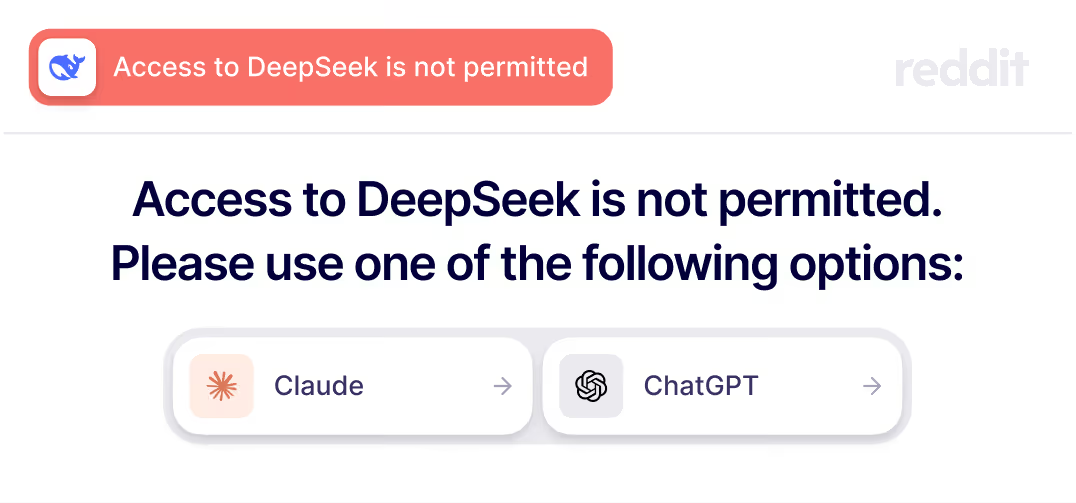
No. Nudge Security does not prevent employees from using shadow IT. Instead, it provides visibility and actionable insights so organizations can guide employees toward approved tools, educate them on security risks, and enforce governance policies. This approach balances security and productivity, allowing teams to make informed decisions without interrupting workflows.

What alternatives to Nudge Security should I consider for AI governance?

Nudge Security is often compared to tools that fall into a few specific categories. The comparison pages listed below will help you understand important differences to consider:

‍

Nudge Security vs. AI Security Solutions

Nudge Security vs. SaaS Management Platforms (SMP)

Nudge Security vs. Traditional SaaS Security Posture Management (SSPM) Solutions

Nudge Security vs. Browser-based SaaS security solutions

‍

What is shadow IT?

Shadow IT refers to the use of technology systems, devices, software, applications, or services without the explicit knowledge or approval of an organization’s IT department. This often happens when employees adopt third-party tools—especially cloud-based or SaaS applications—to improve productivity, bypassing formal approval processes. While shadow IT can accelerate workflows, it introduces risks because these tools may not comply with security policies, data governance standards, or licensing agreements.

What types of Shadow IT does Nudge Security detect?

Nudge Security identifies multiple forms of shadow IT, including:

‍

• SaaS and cloud applications adopted outside of IT oversight

• User accounts and identities created without approval

• Third-party integrations and services that may pose security or compliance risks

‍

This visibility helps organizations regain control over their technology environment, reduce risk, and consolidate or retire unnecessary tools.

How do I get started with Nudge Security?

Getting started is straightforward. Organizations can sign up for a trial to begin discovering all SaaS apps in use across the environment. Deployment is fast, requiring minimal configuration, and Nudge begins producing insights immediately. From there, teams can automate governance workflows, remediate risky applications, and integrate shadow IT oversight into existing IT and security processes. This allows organizations to secure their technology landscape without disrupting ongoing productivity.

Why is shadow IT a concern for organizations?

While shadow IT can support innovation and productivity, it introduces significant risks. Unapproved applications may expose sensitive data, create regulatory compliance gaps, or increase the likelihood of data breaches. Shadow IT also leads to duplication of tools, inconsistent workflows, and unmonitored spending. Organizations without visibility into shadow IT often struggle to enforce security policies, manage budgets, and maintain operational consistency across departments.

How does Nudge Security handle data privacy?

Nudge Security is built with privacy and security at its core. It typically requires read-only access to accounts, analyzes data in memory, and only stores metadata necessary for reporting and governance. Sensitive content, such as emails or documents, is not retained, and every action is auditable. This ensures organizations can gain visibility into shadow IT while maintaining compliance with internal privacy policies and external regulations. To learn more about how we limit and safeguard our access to your email account, visit our Trust & Security page.

Can Nudge Security assist with compliance requirements?

Yes. By providing visibility into all SaaS applications in use, Nudge Security helps organizations assess compliance with internal security policies and regulatory standards. Teams can prioritize review of high-risk applications, ensure proper provisioning and deprovisioning of accounts, and maintain a documented inventory of all cloud tools. This makes it easier to demonstrate compliance during audits and reduces exposure to regulatory penalties.

How does Nudge Security help identify shadow IT?

Nudge Security provides a unified, comprehensive inventory of all SaaS and cloud applications in use across an organization. It detects apps, accounts, and integrations introduced outside IT oversight, including both approved and unapproved tools. By combining billing, identity, and usage data, Nudge surfaces hidden or unauthorized applications, enabling teams to understand where shadow IT exists and how it impacts both security and spend.

How does Nudge Security help identify shadow IT?

Nudge Security provides a unified, comprehensive inventory of all SaaS and cloud applications in use across an organization. It detects apps, accounts, and integrations introduced outside IT oversight, including both approved and unapproved tools. By combining billing, identity, and usage data, Nudge surfaces hidden or unauthorized applications, enabling teams to understand where shadow IT exists and how it impacts both security and spend.

What makes Nudge Security different from traditional security tools?

Unlike traditional network or endpoint security tools, Nudge Security takes a SaaS-first approach. It focuses on discovering and managing cloud applications and AI tools, including those adopted outside IT’s control. This provides a comprehensive view of both sanctioned and unsanctioned applications, enabling organizations to manage risk, enforce governance, and optimize spend across the entire SaaS landscape—something network-centric tools alone cannot achieve.

Ready to find and secure shadow IT? Let’s get started.
  1. Connect your workspace — read-only API, about 5 minutes. No credit card required.
  2. Your inventory populates — every SaaS account discovered and categorised in <24 hours.
  3. Start governing — review apps, set up nudges, bring shadow IT under control.
});