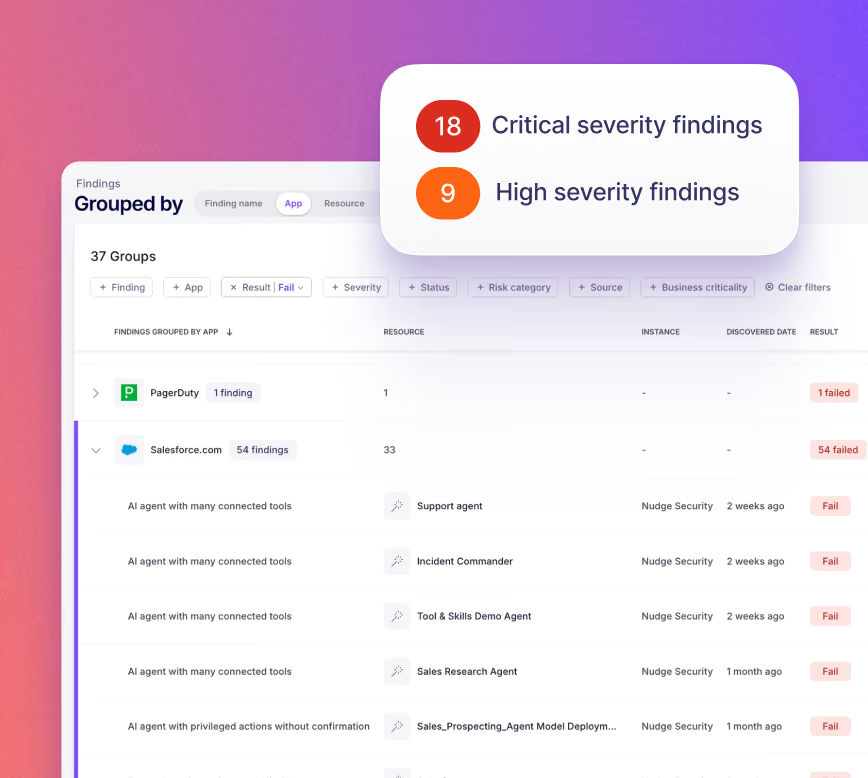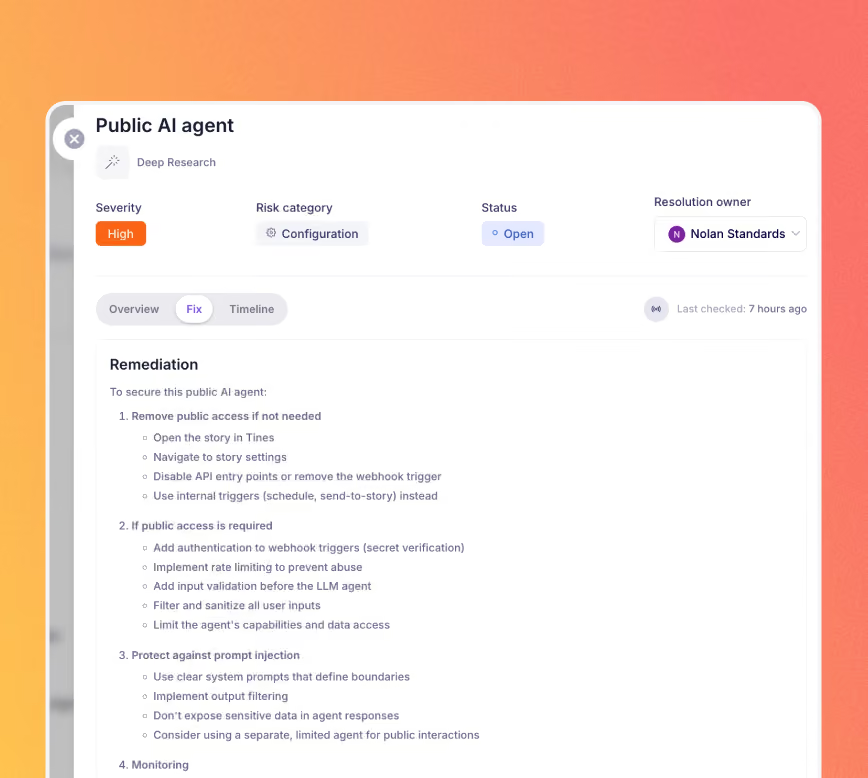



Security Posture Findings detect misconfigurations, identity risks, and integration vulnerabilities across your full SaaS estate, like Okta admin accounts missing MFA, overprivileged OAuth grants in Salesforce, AI agents with privileged actions in ServiceNow, or guest access left open in Slack. Findings tell you what's wrong, who owns it, and how to fix it.

Nudge Security scans your environment across multiple visibility sources, so risks surface whether an app is managed or not.


Each finding includes guided steps to resolve the issue, and where automation is available, Nudge can trigger remediation workflows directly.
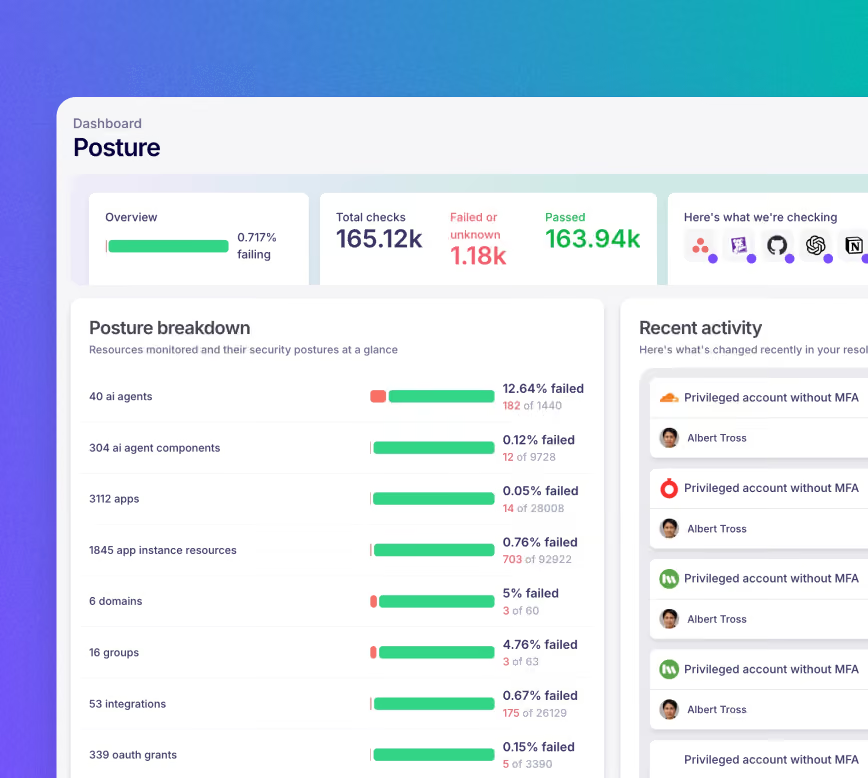
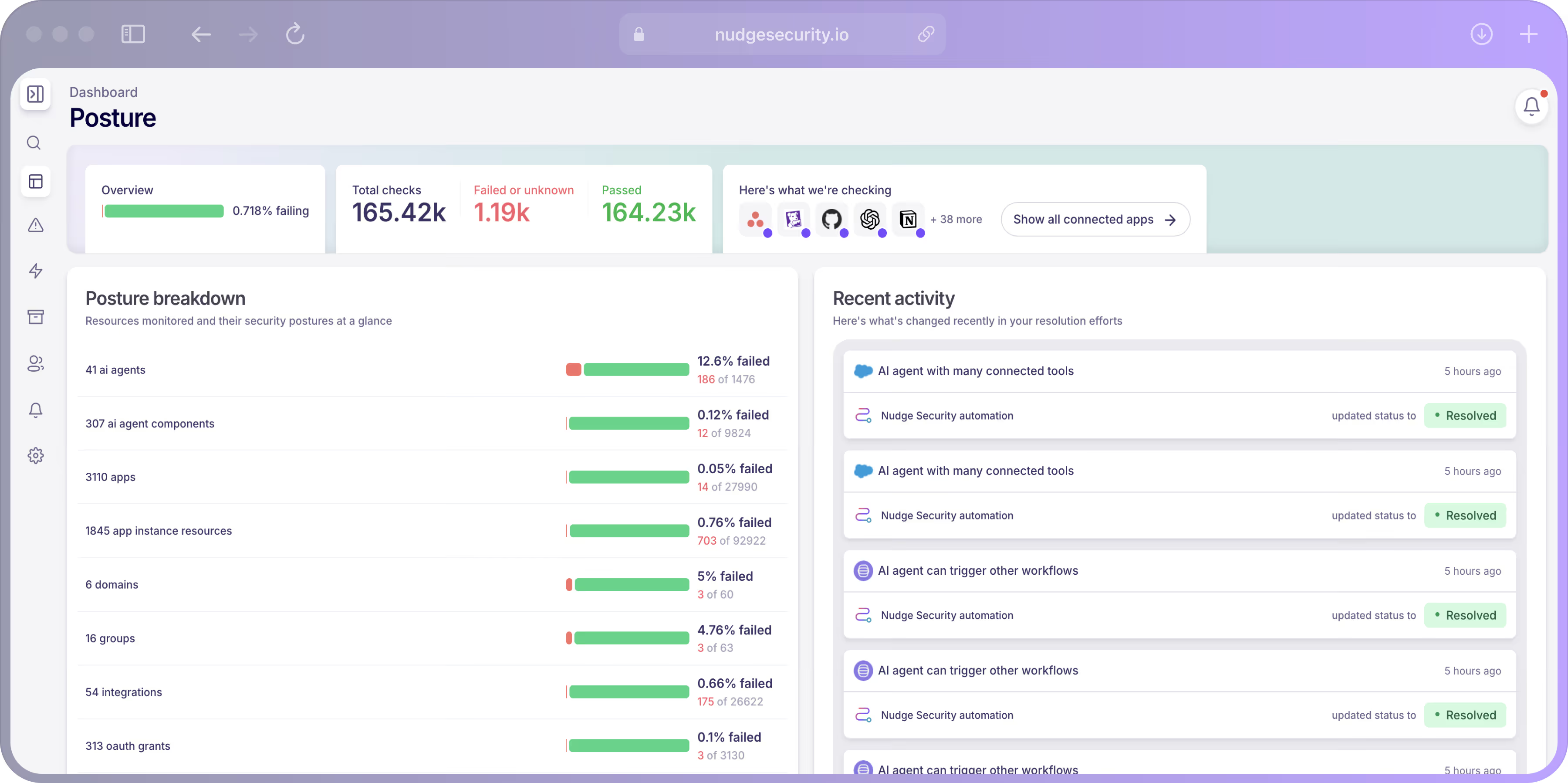
After a finding is resolved, Nudge rescans to confirm the fix held and logs the full remediation history in the posture dashboard.

Common questions about Nudge Security's AIÂ conversation monitoring feature
Security Posture Findings are continuous risk detections generated by Nudge Security when it identifies a misconfiguration, identity risk, or integration vulnerability across your SaaS estate. Each finding includes a severity rating, a description of the issue, the affected resource, and guided steps to resolve it.
Nudge Security scans your SaaS environment using multiple data sources: your IdP, connected app APIs, and the browser extension. When a risk is detected, a finding is created and prioritized. Admins can review findings, assign owners, send remediation guidance, and track resolution, all from within Nudge.
Findings cover misconfigurations, identity risks (such as weak authentication settings or shared accounts), and integration vulnerabilities across your connected apps. Advanced SSPM checks are available for a deeper set of configuration checks in apps like Okta, Salesforce, Slack, GitHub, Zoom, and many more.
No. Nudge Security detects risks using your IdP, connected app APIs, and optionally the browser extension. No proxy, agent, or network instrumentation is required.
A finding is created with a severity rating, the affected resource, an explanation of the issue, and recommended remediation steps. If the finding is assigned to an end user, the admin can nudge them via Slack, Teams, or email with context-specific instructions. Where automation is available, Nudge can trigger remediation workflows directly.
No. Findings surface risks and guide remediation. Nudge does not block users or enforce policies through the findings workflow. Remediation is guided, not enforced.
Dedicated SSPM tools typically focus on a predefined set of managed apps you connect explicitly. Nudge surfaces findings across your full SaaS estate, including apps discovered through the browser extension and IdP, which means you catch risks in apps you were not already monitoring. For critical apps like Okta, Salesforce, and Slack, Nudge also runs deeper advanced SSPM checks.